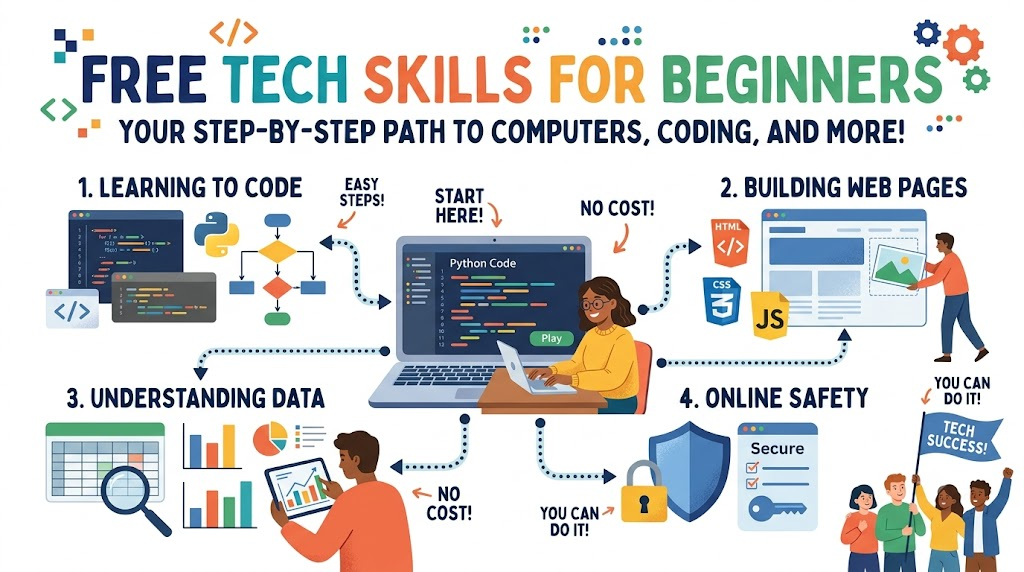
Learning computer skills can feel scary at first. However, anyone can pick up tech skills today without spending money. You can find free lessons to start your learning path right away.
Tech skills help you solve problems. They also open doors to fun new jobs. Let us explore the best skills you can practice right now.
What Are Tech Skills?
Tech skills are abilities that help you work with computers and software.
You use these skills to build websites, fix software bugs, and study numbers. Also, you do not need a fancy math degree to begin.
Most tech tools use basic logic. So, if you like solving puzzles, you will enjoy tech.
Skill 1: Learning Basic Coding
Coding tells a computer what actions to take.
Think of code as a recipe for a cake. You write simple steps, and the computer follows every instruction.
Beginners often start with simple languages like Python. It reads just like plain English sentences.
- Python helps you automate boring tasks.
- It also powers games and science apps.
- You can run code inside your web browser for free.
Skill 2: Making Your First Web Page
Websites run on three simple tools called HTML, CSS, and JavaScript.
First, HTML builds the bones of a web page. It adds words, buttons, and photos.
Next, CSS styles the page with pretty colors, fonts, and borders.
- HTML creates text headers and links.
- CSS adds color themes and fancy layouts.
- JavaScript makes buttons click and pop up.
Together, these three tools let you show off your work on the web.
Skill 3: Understanding Simple Data
Every app collects facts and numbers, which we call data.
Learning how to read data helps teams make smart choices. For example, a store tracks which toy sells fastest.
You can organize this information with free online spreadsheet tools.
- Spreadsheets sort messy numbers into neat columns.
- Simple charts turn numbers into colorful pictures.
- You quickly spot patterns without doing hard math in your head.
Skill 4: Staying Safe Online
Cybersecurity means keeping computers and accounts safe from bad actors.
You learn how to spot fake emails and keep your private files secure.
Companies need safe systems every day. Therefore, online safety is a super valuable skill to have.
- Make long passwords with random words and symbols.
- Turn on two-step logins for extra safety.
- Never click strange links from strangers.
Best Free Places to Learn
You do not need to buy costly school books. Many websites offer free hands-on practice.
- Interactive coding sites let you write code directly in your browser.
- Video platforms show teachers building real apps from scratch.
- Open courses share free practice quizzes and fun projects.
Pick one topic that excites you, spend twenty minutes a day, and watch your skills grow.