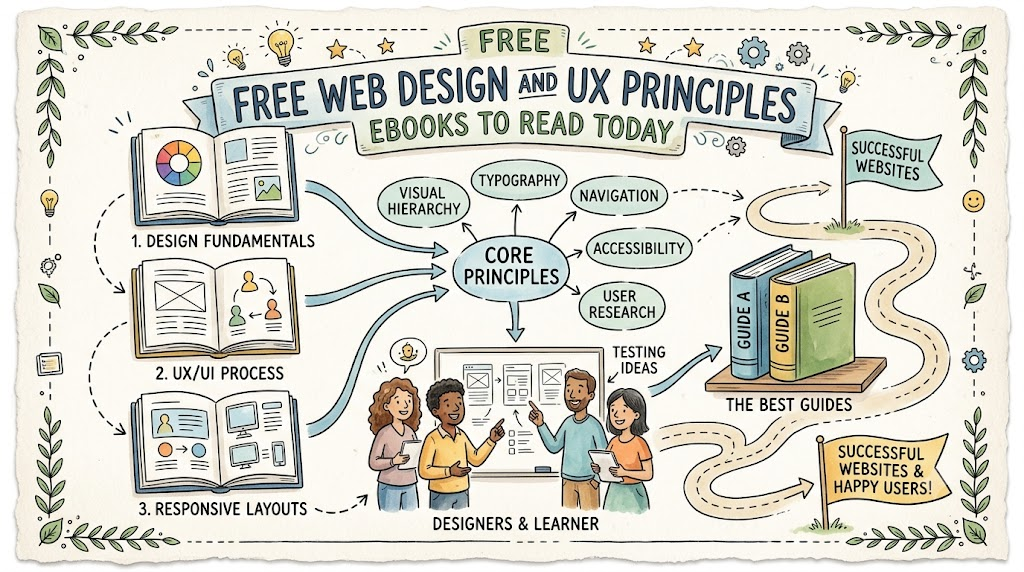
Web design means building websites that look clean and work well. UX means user experience, or how people feel when they use a website. When a website is easy to use, visitors stay longer. Good design helps people find answers fast.
You do not need to spend money to learn these useful skills. You can read great guides on Freeebooks to build your web knowledge today. These free books teach you simple rules for making awesome digital pages.
What Is User Experience?
User experience, or UX, is all about the visitor. It focuses on making a website simple and fun to visit.
If a website is confusing, people get mad and leave. Good UX fixes problems before visitors even notice them. So, designers plan every page with care.
Why Web Design Matters
Web design is like painting a house and arranging the furniture. The colors must look nice together. The buttons must be easy to reach.
Visitors judge a site in just a few seconds. Clear layouts make visitors trust your work right away.
How To Read Free Ebooks
Free digital books let you learn at your own pace. You can read them on your computer, tablet, or phone.
Most books come as simple PDF files that open fast. Also, you can highlight key tips as you read. Reading every day makes you a better designer quickly.
Core Ideas Behind Great Web Design
Keeping Pages Simple
Simple pages work best for online visitors. When you put too many things on a screen, people get confused.
Keep your pages neat and tidy. Cut out extra words and huge images that do not help. Next, give your text plenty of breathing room.
Leaving Blank Space
Designers call empty areas white space. White space does not have to be white. It is just blank space around text and pictures.
This blank space helps eyes rest as they scan a page. It also makes your most important ideas stand out clearly.
Picking The Best Fonts
Fonts are the styles of lettering you see on a screen. Some fonts look fancy, while others look simple and clean.
Always pick fonts that are super easy to read. Do not use more than two different fonts on one site. This rule keeps your pages looking neat and professional.
Choosing Friendly Colors
Colors make people feel different ways. For example, blue can make people feel safe and calm. Bright red can show excitement or a warning.
Pick two or three colors for your main website palette. Use your brightest color only for important buttons. This trick shows users where to click next.
Key Operational Concepts You Must Know
Making Fast Load Times
A great site must open quickly on every screen. People hate waiting for slow pages to load.
Large photos often slow down a website. So, you must shrink your image files before uploading them. Fast pages make both visitors and search engines happy.
Setting Up Easy Menus
A menu is like a map for your website. It sits at the top of the page so people can find other sections.
Keep your menu short and easy to understand. Use basic words like “Home,” “About,” and “Contact.” Do not make visitors guess where links go.
[Home]  -> Takes you back to the start
[About] -> Tells who runs the website
[Blog]  -> Shows all the helpful articles
[Help]  -> Gives answers to common questions
Building For Mobile Phones
Most people look at websites on small phone screens today. Because of this habit, your site must work well on phones.
Buttons need to be big enough for thumbs to tap easily. Text must be large enough to read without zooming in. We call this habit mobile-friendly design.
Checking All Your Links
Broken links lead visitors to blank or missing pages. This mistake frustrates people and makes them leave your site.
Test every single link before you show your work to the world. Fix broken buttons right away to keep things running smoothly.
Platform Implementation vs. Culture — What’s the Real Difference?
| Design Area | Platform Implementation Focus | Design Culture Focus |
|---|---|---|
| Main Goal | Writing code and setting up website tools. | Caring about user feelings and user needs. |
| Daily Tasks | Testing page speed and picking site software. | Talking to users and learning from their habits. |
| How to Win | Making sure pages load fast and links work. | Making sure visitors feel happy and find answers. |
| Team Focus | Building pages with technical computer skills. | Listening to feedback and fixing confusing spots. |
The Power Of Software Tools
Software platforms give you the code to run a site. They hold your blog posts, images, and data safely.
Setting up your software correctly prevents your website from crashing. But tools alone do not make a website fun to visit.
The Value Of User Culture
A good design culture means caring about the human on the other side. You must ask what problems your visitors want to solve.
Teams with this mindset test their ideas with real people often. They never assume they know everything. This humble attitude leads to the best website designs.
Real-World Use Cases of Modern Operations
Easy Online Shopping
Online stores must guide buyers quickly to the checkout page. If checkout takes too many steps, buyers quit.
Clear photos and big price tags help shoppers make fast choices. Also, big green buttons make paying quick and painless.
- Store Owners: Use big images and short forms to sell items faster.
- Shoppers: Find items quickly, read simple details, and check out safely.
- Support Teams: Answer questions using a quick chat box on the screen.
Clean News Sites
News websites have a lot of stories to share every morning. Without good design, these sites look like messy piles of paper.
Great news sites use bold headlines and clear sections to group topics. Readers can skim the headlines and click the stories they like.
Fun Learning Portals
Schools and teachers use websites to share homework and fun lessons. These pages must be bright, cheerful, and simple to explore.
Big icons help younger kids click the right class lessons easily. Progress bars show students how many fun tasks they finished.
Common Mistakes in Operations Engineering
Adding Too Many Popups
Popups are little boxes that jump onto the screen while you read. They often ask for an email address or show an ad.
Too many popups annoy visitors and drive them away. If you must use a popup, show only one. Always make the close button big and easy to see.
Writing Confusing Text
Some designers use giant words that confuse regular people. Avoid fancy corporate words whenever you write website content.
Keep your sentences short, simple, and direct. When you write clearly, everyone can understand your message without help.
Hiding Contact Info
Visitors want to know who runs a website before they trust it. Hiding your contact details makes your site look suspicious.
Always put an email address or contact form in your footer. This simple step builds quick trust with every visitor.
Good Idea: A clean contact form with just name and email.
Bad Idea:  A long form asking for ten different phone numbers.
Using Hard-To-Read Colors
Grey text on a white background hurts people’s eyes. Yellow text on a white background is almost invisible.
Always use high contrast between your words and your background colors. Dark text on a light background is always the safest pick.
How to Become an Operations Expert — Career Roadmap
Step One: Learn The Basics
Start by reading free ebooks about basic design rules. Learn how to arrange shapes, balance colors, and pick fonts.
Practice making simple web page layouts on paper first. Drawing boxes with a pencil helps you learn layout design fast.
- Beginner Designer: Sketches simple layouts on paper and reads design books.
- Junior Builder: Creates live web pages using simple site-building tools.
- UX Specialist: Tests pages with real users to find and fix confusing areas.
Step Two: Test Real Websites
Next, visit your favorite websites and study how they work. Ask yourself why you like using them.
Notice where they place their menus and buttons. Then, look at bad websites and find three things you would fix. This practice trains your eyes to spot good UX habits.
Step Three: Build Practice Pages
Now, build small sample websites for fun projects or fake clubs. Build a page for a pet shelter or a local pizza shop.
Show your practice work to your friends and family members. Watch them use the site without giving them any hints. If they get stuck, change the design to make it easier.
FAQ Section
- Where can I find free ebooks on web design?You can find great free books on learning platforms like Freeebooks. Many experienced designers also share free starter guides on their blogs.
- Do I need to know math to learn UX design?No, you do not need hard math skills to design great pages. You only need to understand what makes people happy and comfortable.
- What is the difference between UI and UX?UI is what you see, like colors and buttons. UX is how the site feels and how easily you can use it.
- Can I design websites using only a tablet?Yes, many modern design tools work right inside your web browser. You can sketch and arrange layouts on any screen you own.
- How long does it take to learn web design?You can learn the basic rules in just a few weeks of reading. But you will keep learning new tricks throughout your whole career.
Final Summary
Learning web design and UX principles does not have to cost lots of money. By reading free ebooks, you can master these fun digital skills at home. Remember to focus on simple layouts, clear fonts, and fast-loading pages.
Always design with your visitors in mind so they enjoy every visit. Avoid messy screens, hard-to-read colors, and annoying popups. With daily practice and patience, you can create websites that everyone loves to use.
